How to sign up for a Volunteer Slot
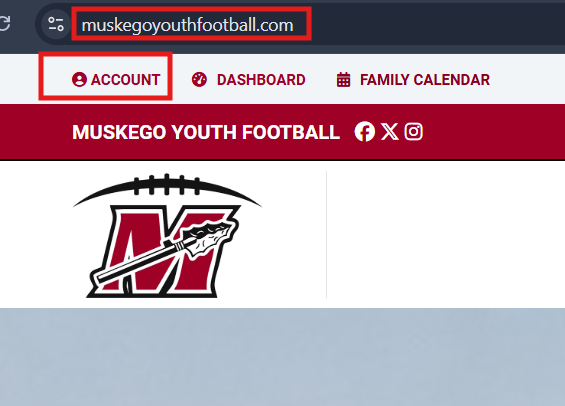
Login to Muskego Youth Football
- Login to our website www.muskegoyouthfootball.com This can only be done on a web browser from a mobile device or desktop/laptop computer. You cannot access the volunteer section with the Crossbar App. Click "Sign In" or "Account" on the top left to sign in to the account used to register your athlete.
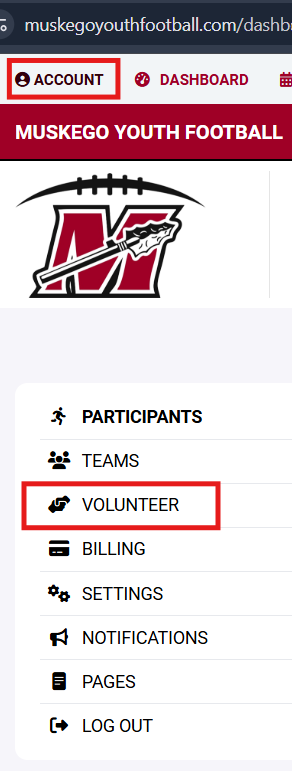
Next Select " Volunteer"
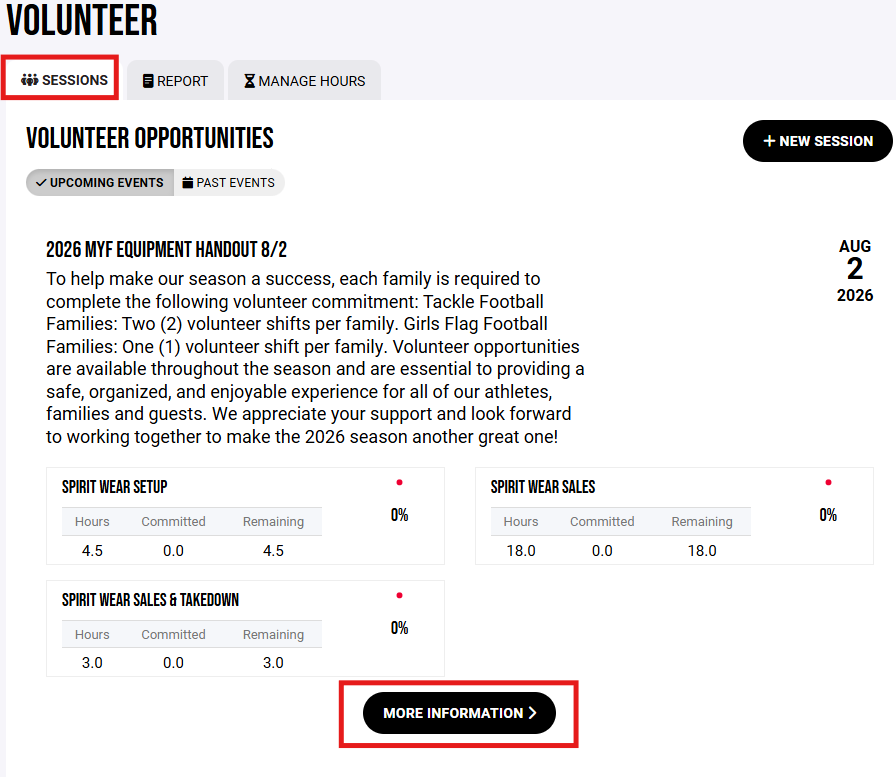
Now you will be in the "Sessions Tab". Select "more information" under the Volunteer Opportunities date of your choice.
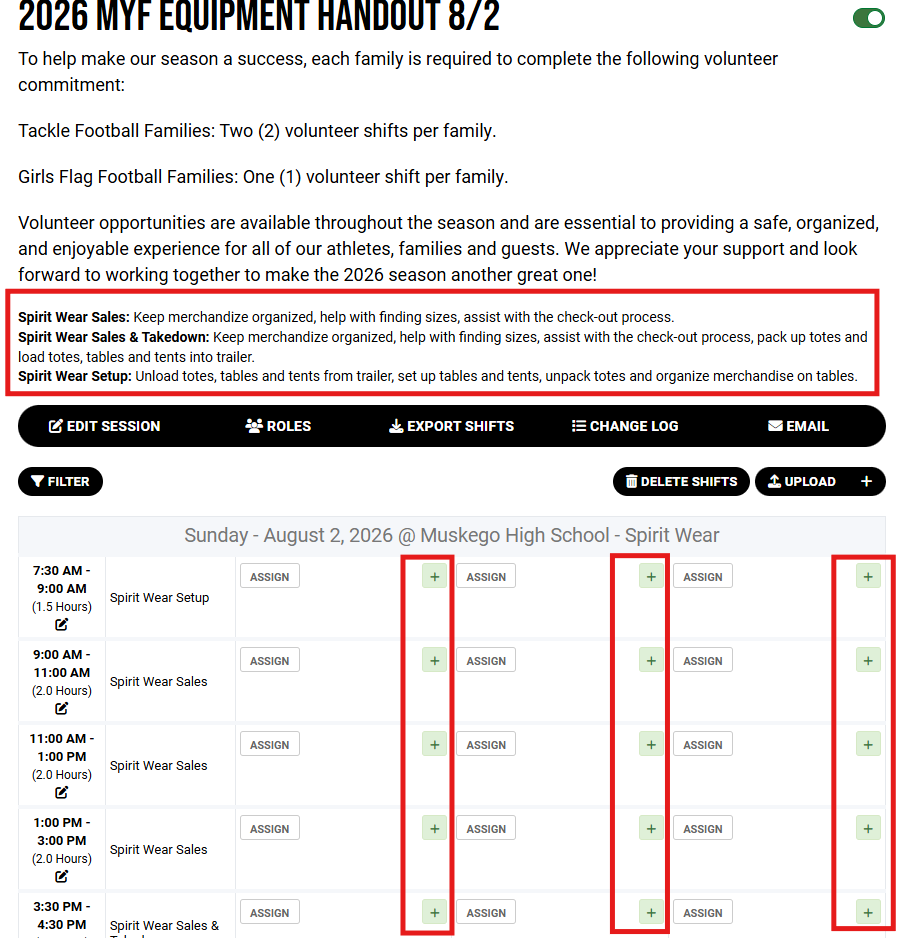
Now you will see the slots under that Volunteer Opportunity. Select the "+" symbol for the correct role type and time slot. When your name is populated on the "slot" it has been saved.